
Setting up a productive home office corner in Malaysia isn’t just about throwing a desk in your spare room. Done right, you’ll create a space that actually makes you more focused, comfortable, and professional — even when the humidity is fighting your equipment and your condo neighbor’s karaoke session starts at 8 PM.
This setup takes one weekend, costs RM800–1,500 depending on your choices, and the difficulty is Easy for anyone who can use a screwdriver. I’ve done this three times in different Malaysian homes, and the principles work whether you’re in a Damansara condo or a Penang shophouse.
The result: a corner that makes you want to work there, keeps your gear functioning in our climate, and looks professional enough for video calls with clients.
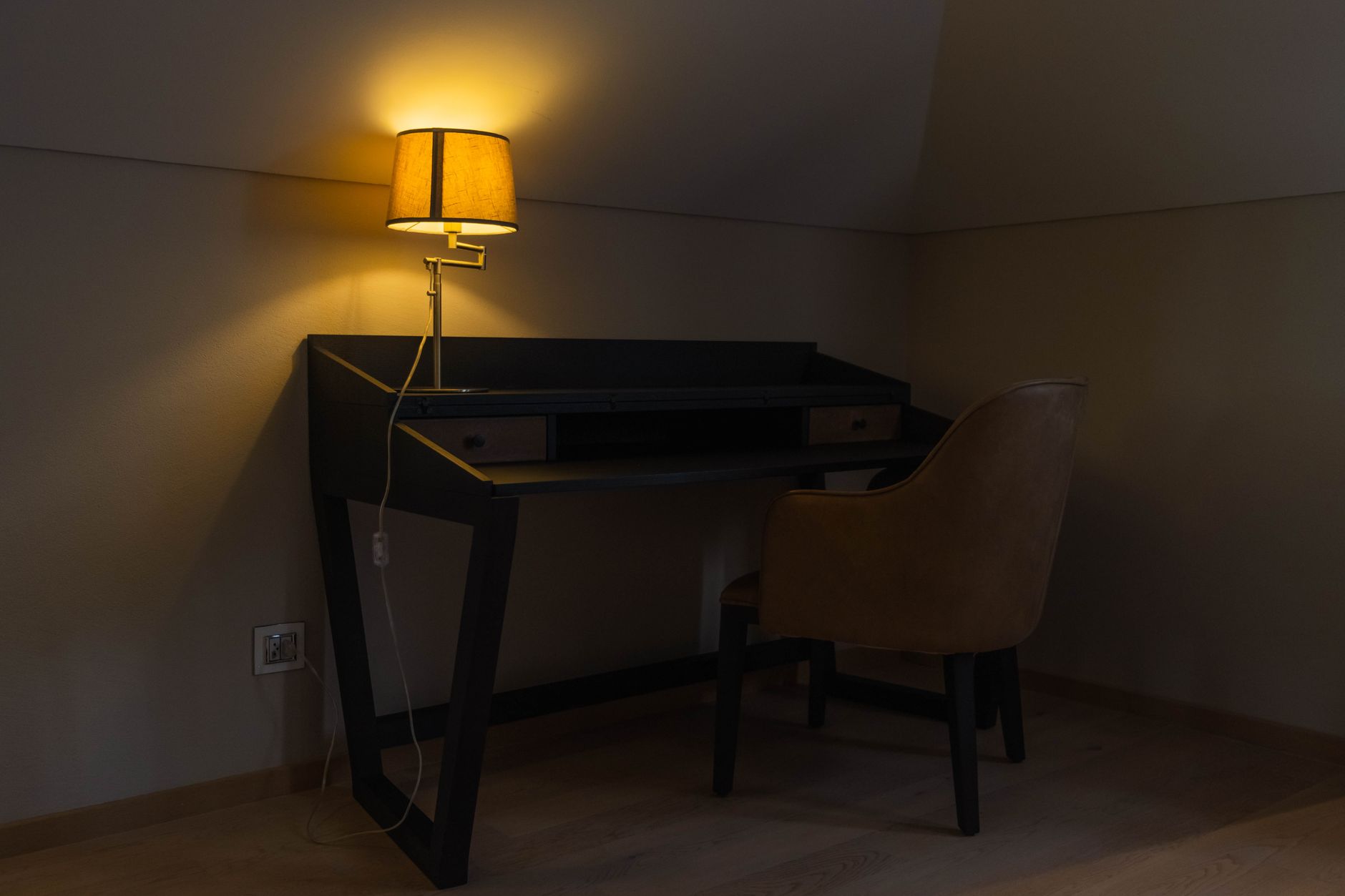
What You Need
Essential Tools:
- Screwdriver set – RM15–25 (any hardware store)
- Cable management strips – RM10–20 (Shopee/Lazada)
- Measuring tape – RM8–15 (Mr. DIY)
- Level – RM12–20 (local hardware)
Furniture & Equipment:
- Desk with storage – RM200–600 (IKEA, Courts, online)
- Ergonomic chair – RM150–500 (depends on your back tolerance)
- Task lighting – RM50–150 (LED desk lamp preferred)
- Monitor arm or laptop stand – RM80–200 (essential for neck health)
- Small dehumidifier – RM120–300 (Malaysia humidity requirement)
Climate Control:
- Cable organizers – RM15–30 (prevents humidity damage)
- Silica gel packs – RM5–10 (for drawers and equipment)
- Small fan – RM30–80 (air circulation, not cooling)
Total investment: RM800–1,500. This isn’t the cheapest route, but it’s the one that works long-term in Malaysian conditions.
Step 1: Choose Your Corner and Measure (30 minutes)
Pick the corner with the best natural light that’s furthest from your bedroom. I learned this the hard way — working next to where you sleep kills both work focus and sleep quality.
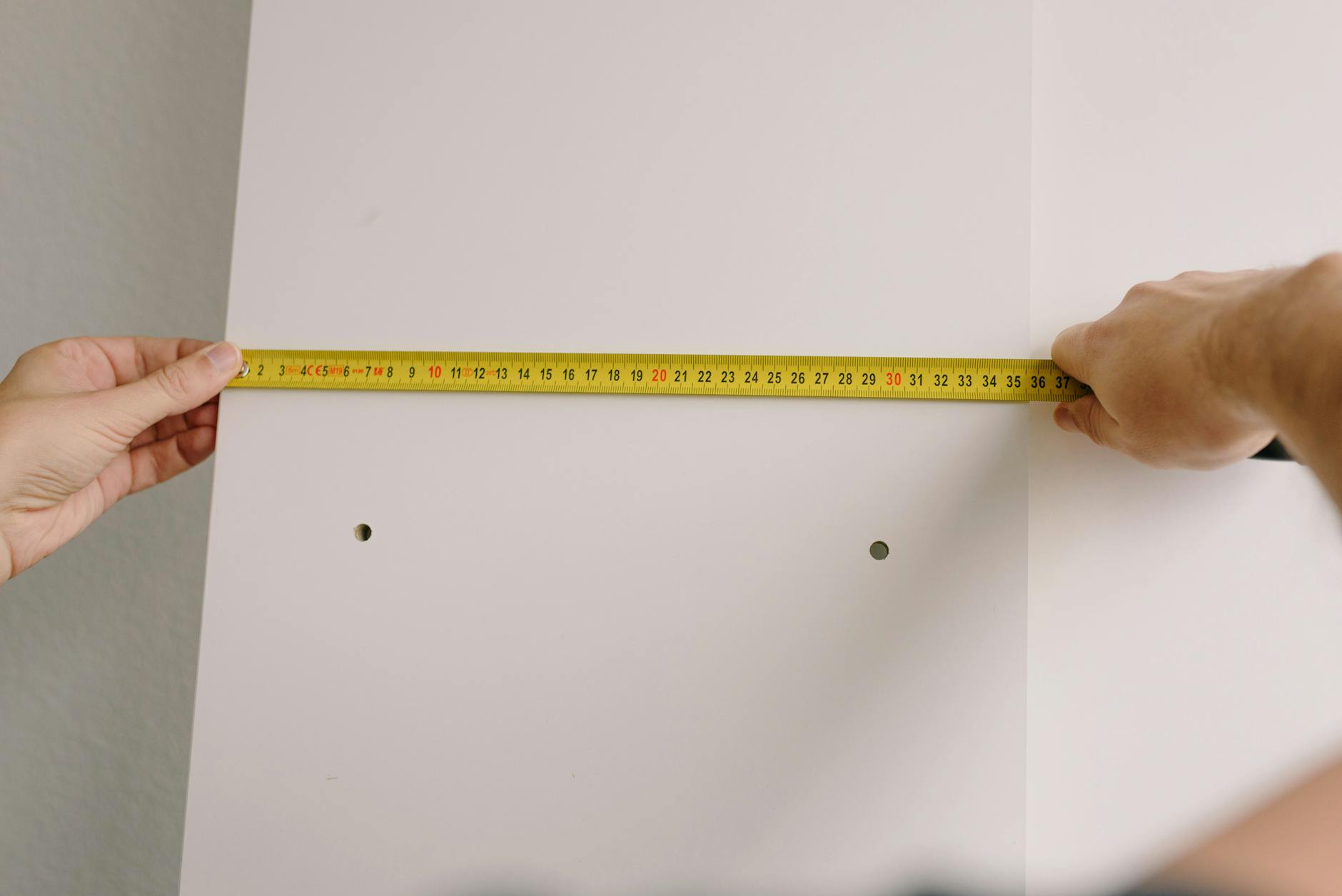
Measure the space properly. You need minimum 1.2m x 1.2m floor space, but 1.5m x 1.5m is better. Note the height to any overhead cabinets or AC units — your monitor needs clearance.
Check your electrical situation. Malaysian plugs are different from most imported furniture expectations, and you’ll need at least 3 accessible outlets without extension cords snaking across the floor.
Common mistake: Choosing the corner with the best feng shui instead of the best functionality. Face reality: you need power, light, and distance from distractions.
Step 2: Set Up Climate Protection First (45 minutes)
Install your small dehumidifier before you bring in any electronics. Malaysian humidity will destroy your equipment faster than you think, especially in corners that don’t get much airflow.
Position the dehumidifier to cover your desk area without blowing directly on your workspace. You want it running 2–3 hours daily, not constantly — that’s expensive and unnecessary.
Set up basic air circulation with a small fan. Point it to move air around the space, not at you. Stagnant air in Malaysian homes breeds problems: mold, moisture damage, and that stuffy feeling that kills productivity.
Time estimate: 45 minutes including testing positioning.
Common mistake: Skipping this step because “it’s just a desk.” Your laptop will thank you in 6 months when it’s not dying from moisture buildup.
Step 3: Install Your Desk and Storage (1 hour)
Assemble your desk following the manual exactly — I know, obvious advice, but Malaysian humidity makes wood swell differently than the factory expects. Leave slightly more clearance in joints.
Position the desk in the corner but not flush against both walls. Leave 5–10cm gaps for air circulation and cable management. Your cables need space to breathe too.
Install any desk storage immediately. Drawers, shelves, or organizers should go in now, not later when you’re trying to work around equipment.
Test the desk stability before loading it with equipment. A wobbly desk will drive you insane during long work sessions, and fixing it later means moving everything.

Step 4: Set Up Proper Lighting (30 minutes)
Install your task lighting first, then assess what additional lighting you need. Malaysian homes often have harsh overhead fluorescents that create terrible shadows for computer work.
Position your main task light to illuminate your keyboard and any papers without creating screen glare. LED lights are worth the extra cost — they generate less heat and last longer in our climate.
Add ambient lighting if your corner feels cave-like. A small lamp on a shelf or wall-mounted light can make the space more inviting without competing with your task lighting.
Common mistake: Relying only on overhead lighting. You’ll get eye strain within a week, guaranteed.
Step 5: Install Monitor and Ergonomic Setup (45 minutes)
Mount your monitor arm or set up your laptop stand first. Your screen should be at eye level when you’re sitting naturally — no neck craning up or down.
Position the monitor about arm’s length away, perpendicular to any windows to avoid glare. Malaysian sun is strong, and even indirect glare will give you headaches.
Set up your chair properly. Adjust height so your feet are flat on the floor, elbows at 90 degrees when typing. This isn’t optional — bad ergonomics will hurt you within weeks of regular use.
Test everything by sitting and simulating a normal work session. Adjust now, not after you’ve been suffering for days.
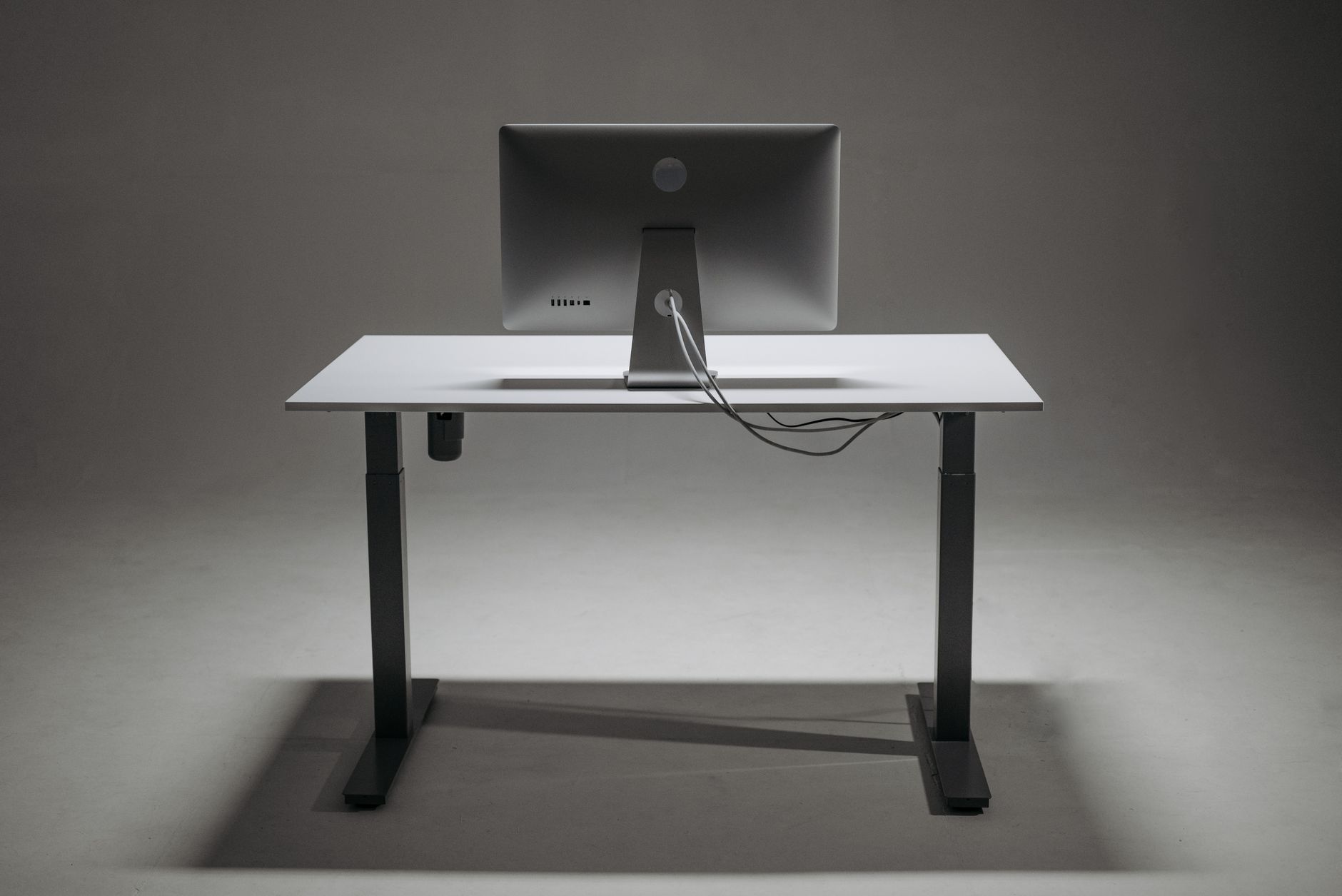
Step 6: Cable Management and Organization (45 minutes)
Run all power cables along the wall edges using cable management strips. Loose cables on the floor are a safety hazard and look unprofessional on video calls.
Group similar cables together — power cables separate from data cables to avoid interference. Use cable ties, but leave some slack for Malaysian building settling and furniture adjustment.
Install cable management under your desk for frequently plugged/unplugged items like phone chargers and USB cables. These should be easily accessible but not hanging loose.
Label important cables if you have more than 3 devices. Trust me on this — when something stops working at 11 PM, you don’t want to trace mystery cables.
Common mistake: Perfect cable management that’s impossible to modify. Leave yourself room to add or change equipment.
Step 7: Add Final Organization and Personal Touches (30 minutes)
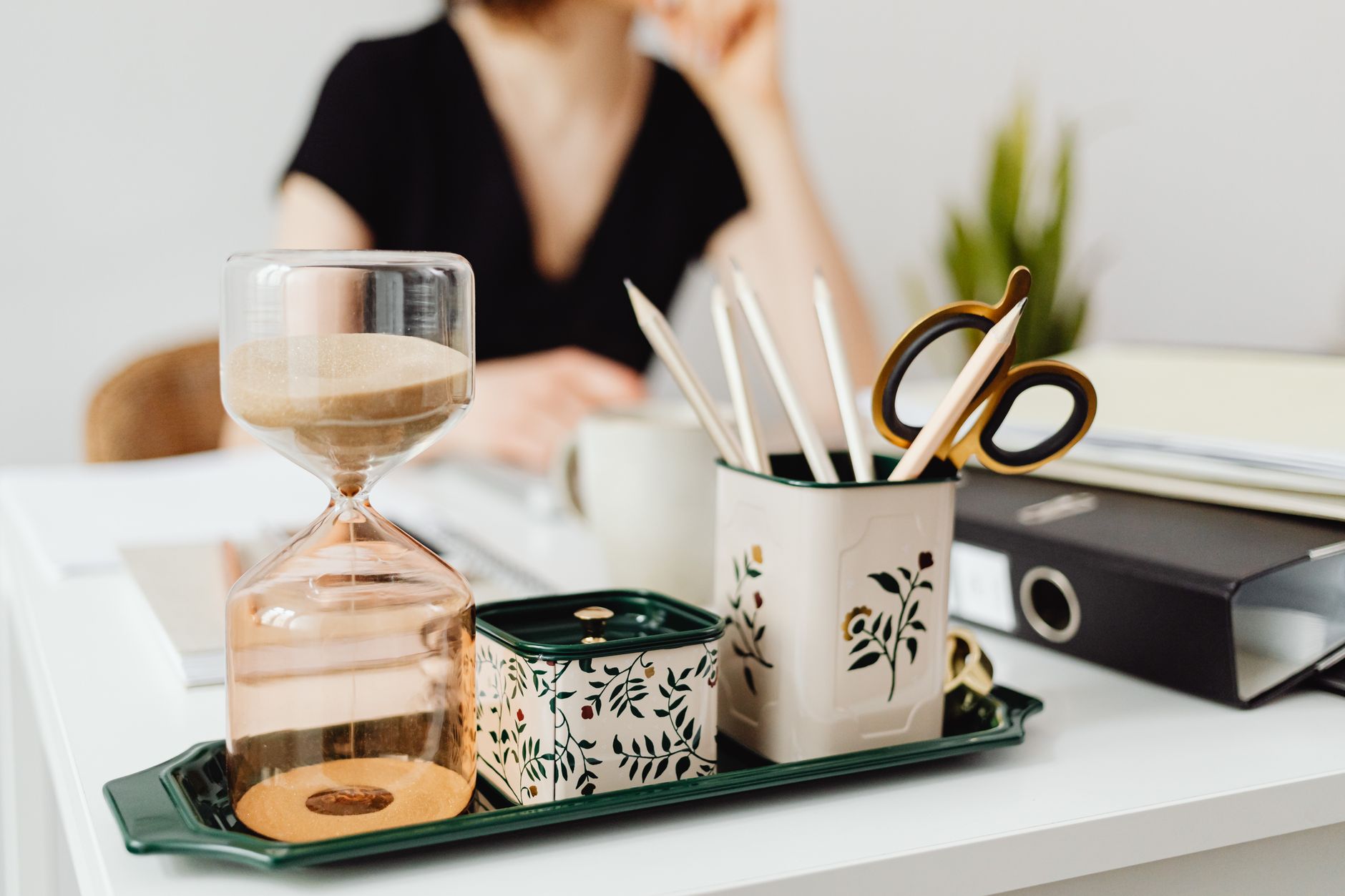
Install desk organizers for daily items — pens, papers, small tools. Everything should have a designated spot that makes sense for how you actually work.
Add a small plant if your corner gets some natural light. Plants help with air quality and make the space more pleasant, but choose something that survives Malaysian conditions with minimal care.
Set up a small filing system for important papers. Even in our digital age, you need somewhere for contracts, receipts, and documents that matter.
Place silica gel packs in any enclosed storage areas to combat humidity. Replace these every 3–4 months.
Common Mistakes to Avoid
Buying cheap chairs. Your back is worth more than the RM100 you’ll save. A decent ergonomic chair pays for itself in reduced pain and better productivity.
Ignoring cable management. Messy cables look unprofessional, create safety hazards, and make troubleshooting equipment problems unnecessarily difficult.
Positioning your desk facing a wall. This creates a claustrophobic feeling and limits your options for monitor placement and room interaction.
Skipping climate control measures. Malaysian humidity will damage electronics, create mold problems, and make the space uncomfortable to use.
Not testing the setup before finalizing. Spend 30 minutes working in your new setup before declaring it complete. Small adjustments made early save major reorganization later.
Maintenance Schedule
Weekly: Wipe down surfaces, empty dehumidifier if needed, organize papers and cables.
Monthly: Check cable organization, clean monitor and keyboard, assess ergonomic adjustments.
Quarterly: Replace silica gel packs, deep clean all surfaces, evaluate if your setup still meets your work needs.
Annually: Check all cable connections, consider equipment upgrades, reassess the space for any needed improvements.
Next Steps
Your productive home office corner is ready, but it will evolve with your work needs. Plan to make small adjustments over the first month as you discover how you actually use the space versus how you thought you would.
Consider upgrading key pieces over time rather than buying everything expensive upfront. Start with the chair and lighting — these affect your daily comfort most. Desk accessories and storage can be improved gradually.
Document what works and what doesn’t. When friends ask for setup advice, you’ll have real experience to share instead of theoretical knowledge.
The goal wasn’t just to create a workspace — it was to create a workspace that makes you more productive, more comfortable, and more professional in Malaysian conditions. You’ve built something that will serve you well for years, not just until the novelty wears off.
0 Comments